What co-op includes
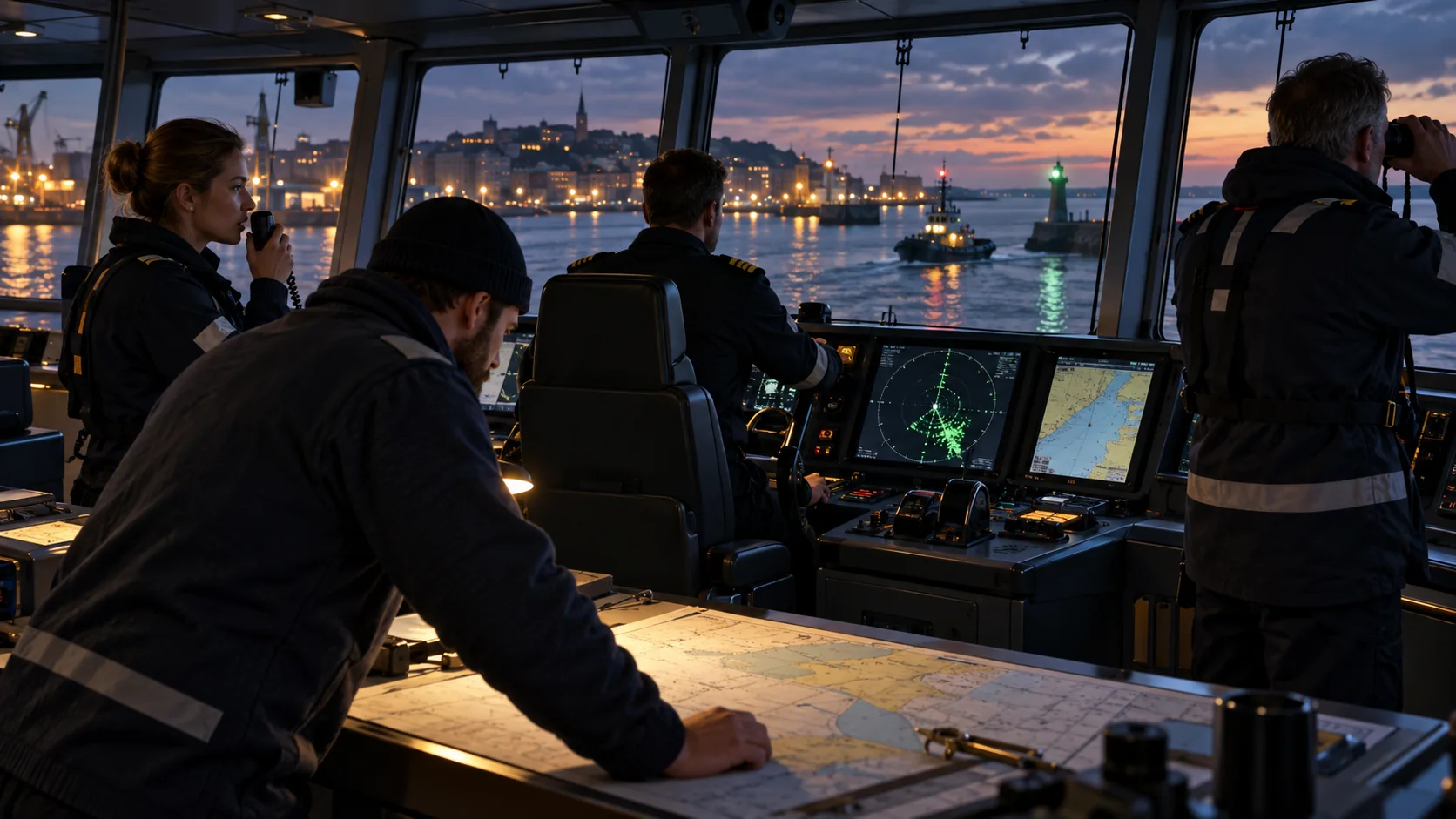
The official website says players can sail with a crew of up to four. The August 18, 2026 Co-op Crew Update says multiplayer is accessible for completing curated missions together. That wording is important: the confirmed limit is four, and the confirmed mission scope is selected missions. The update does not say that every single-player activity or every vessel is available in multiplayer.
Use the mission listing in your current build to see whether a job is available for your group. The public update notes do not detail lobby visibility, invite flow, host migration, cross-platform play or which player owns a career save. Check the current game menu or platform store for those specific setup details.
A simple way to divide the work
Agree on one person to keep the route and current objective in view. Let another crew member handle the specific onboard interaction named by the mission, while the remaining players watch for the next prompt or coordinate the task that follows. These are suggested roles for keeping communication clear, not official job classes or fixed assignments. A different mission may need a different split.
| Crew habit | Why it helps |
|---|---|
| Name the current objective before moving | Everyone can tell whether the group is traveling or completing a task. |
| Assign one navigation voice | Multiple simultaneous course calls can create confusion on a shared vessel. |
| Confirm who is handling the active tool | The mission may depend on a particular onboard interaction; check that it registers before switching tasks. |
| Have the host and a client compare the objective | Both players can identify a mismatch before repeating an action or submitting a bug report. |
| Review mission and shift results together | The game has mission result screens and Work Shift claim steps that are easy to overlook if players leave early. |
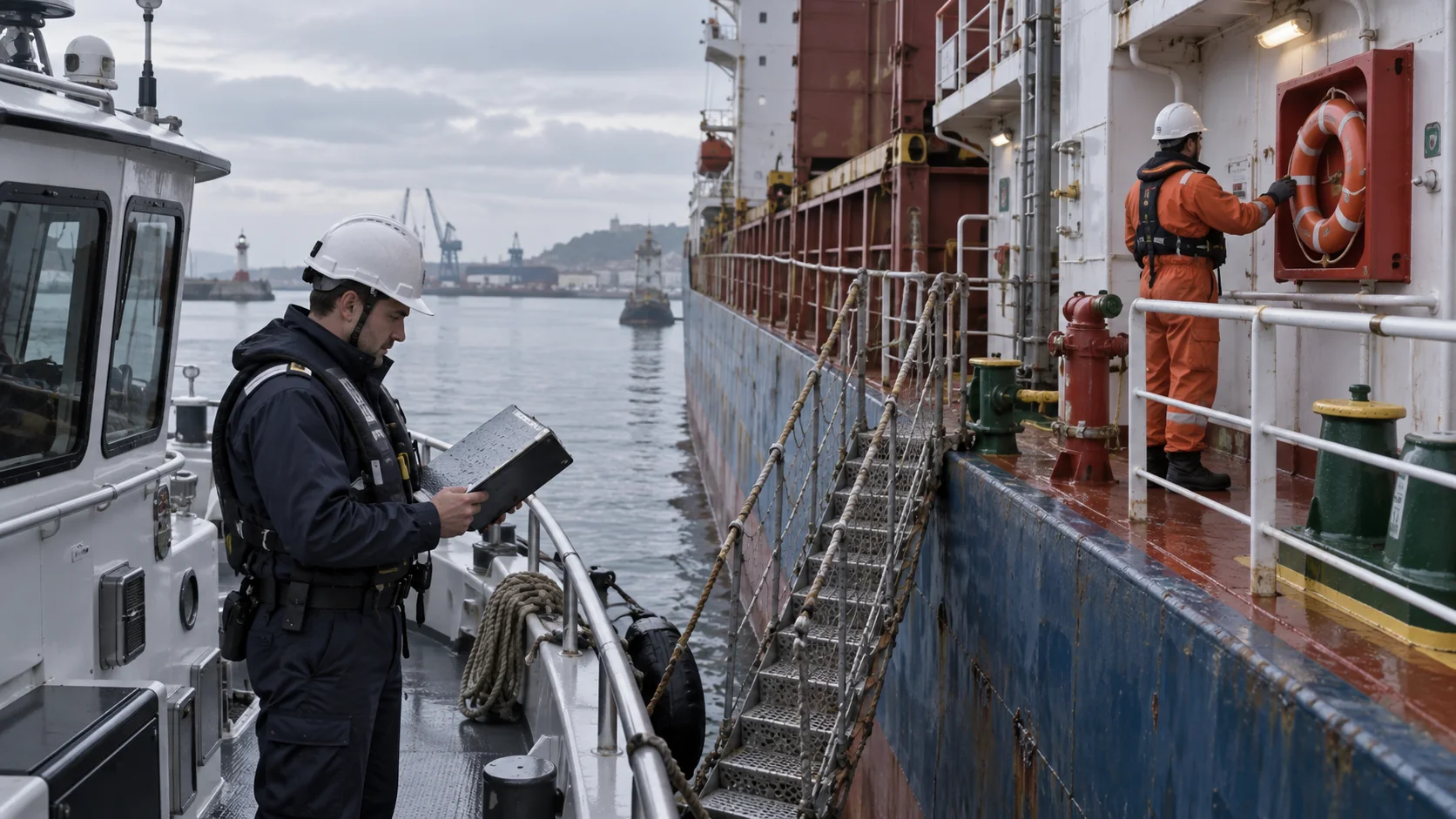
For cargo, confirm which vessel and cargo category the mission expects before loading. The official trade changes added cargo compatibility labels to the ship menu and clarified goods that require the Big Trip. For inspections, read the variant and current prompt before splitting up; the September 24 update improved client inspection results and interactions. The relevant background is in Free Trade and Work Shifts and Ship Inspections.
What Full Release changed for a crew
The September 24 update fixed client inspection results and interactions, invisible containers on other vessels, and Free Trade rewards not being credited correctly to clients. It also improved synchronization for drones, binoculars, weather, docking, late joins, horns and other ship interactions. The notes report fixes to crashes around a rescue net, Tug & Tow crouching and switching to an inspection vessel while another player uses a drone. These changes make an older workaround or warning worth revisiting, but they do not guarantee that every possible session is free of bugs.
When dividing a cargo job, compare the ship's cargo type with the goods before anyone starts loading. During a Free Trade run, have the host and a client read their reward screens at the end. The full-release fix specifically concerns rewards reaching clients, so a mismatch in a current build is useful evidence for a new bug report rather than something to accept as the old behavior. Do not promise all players identical payments; the release notes do not give a general distribution formula.
For an inspection, name the variant and target vessel before players split up. Have the player performing a check read the next objective aloud, then let the host confirm that the mission advances. The client fixes mean the old Update #5 report about clients appearing stuck should be dated to that build. If a current client still stalls, record the host and client prompts, the mission and the platform. See Ship Inspections for the inspection categories.
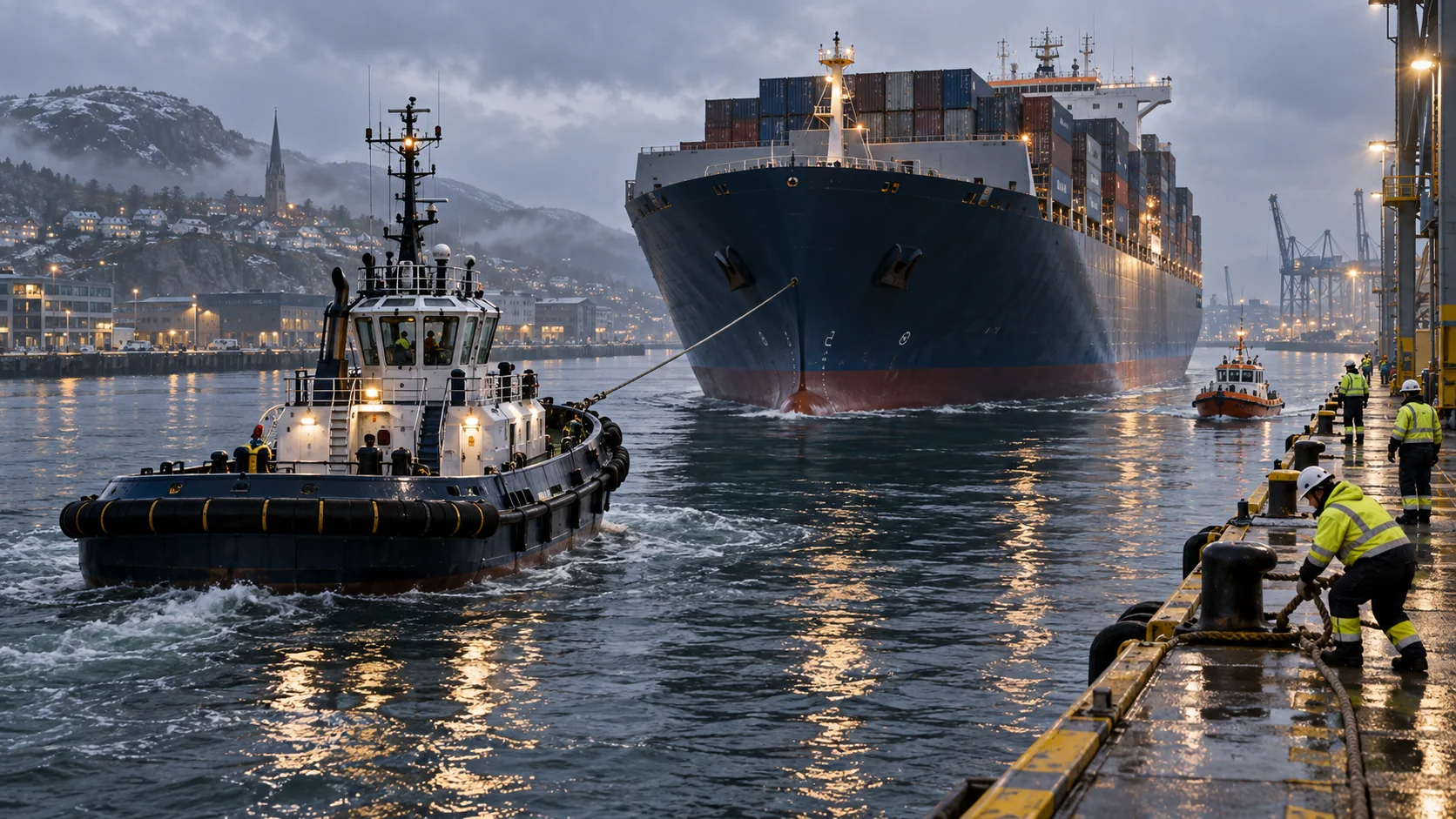
Late joining and docking also received synchronization improvements. If a player joins while the ship is moving or a harbor task is active, pause the role split long enough to compare the ship position and current objective on both screens. If they differ, describe what each player sees before issuing another tow or mooring request. See Docking and Towing for the radio options.
The older Update #5 list also mentioned intermittent voice chat, an incorrect kick-player error and a horn interaction problem. Full Release mentions improved horn replication but does not explicitly close every voice or kick-message report. Agree on a backup way to communicate if a long crew mission depends on voice, and check the current in-game behavior before treating an older issue as still active.
Co-op session checklist
Before launch:
- Confirm the game offers the mission for a group in your current build.
- Decide who will track navigation, the active objective and onboard interactions.
- Agree how you will communicate if in-game voice chat fails.
- For cargo or inspection work, read the vessel and mission details before assigning roles.
During the mission:
- Call out the current objective before the vessel changes course or task.
- Check that the host and a client see the same mission stage.
- Give one player time to finish an interaction before another changes tools or location.
- If a client view disagrees, describe the exact prompt instead of repeating an action blindly.
At the end:
- Read the result summary.
- Check which Work Shifts each player completed manually.
- Follow the game's claim prompt for any eligible shift Reputation.
- Note any mismatch that affects the next session.
Shifts pay after each completed shift, and manually completed shifts can be claimed for additional Reputation at mission end. Full Release fixed a client Free Trade reward issue, but it does not detail how every reward is distributed in co-op, so check each result screen and avoid promising a specific split.
Common questions
How many players can join one crew?
Up to four players, according to the official site and Co-op Crew Update.
Can we take any mission together?
The update describes curated missions. Check the mission list in your game rather than assuming every single-player task is available.
Is voice chat guaranteed to work?
The earlier Update #5 known-issues list reported intermittent voice chat. Full Release does not explicitly state that this was fixed, so use the current session's behavior and agree on a backup for a long job.
What if a client is stuck during inspection?
Full Release fixed client inspection results and interactions. If a client still stalls, compare the host and client objectives and report the exact mission, vessel, platform and prompt. The notes do not provide a universal workaround for every future stall.
Check co-op updates before a longer session
The official update history lists the full-release multiplayer fixes and earlier known issues. Check the latest patch notes if a client view or voice feature behaves differently.