Quick start: choose the kind of first session you want
| If you want… | Try… | What to keep in mind |
|---|---|---|
| Replay a campaign or eligible special mission you already finished alone | Quickplay | Full Release adds these replays after the eligible mission has been completed in single-player. It is not a shortcut for unlocking a mission you have never finished. |
| A guided story and campaign missions | Story mode | Campaign missions are part of the game, and official updates say campaign missions grant Reputation. |
| To learn one onboard task at a time | A job whose objective text is clear to you | Cargo, rescue, firefighting and patrol use different equipment. Follow that mission's prompts instead of applying one interaction sequence everywhere. |
If you are undecided, start with the mode whose objective you can understand at a glance. The goal of a first session is to learn how the game presents jobs, vessels and tools. You do not need to settle on a long-term fleet strategy before you know which work you enjoy.
Your first full-release session
If this is a fresh save, choose an available mission with a clear objective and follow the tutorial prompts before trying to replay a story assignment. Full Release makes all campaign missions and three special missions replayable in Quickplay, but only after an eligible mission has been completed in single-player. If a mission is absent from Quickplay, check its completion status first; its absence does not by itself mean your save is broken. The career guide covers the newly added harbor missions and their known unlock conditions.
Returning players should open the career panel before assuming their old plan still applies. Fast Travel now unlocks at Level 1, Crew at Level 2, and special and campaign mission rewards were increased. The game also rebalanced Free Trade. Rather than following a reward total from an Early Access screenshot, compare the active job description and the result of one completed job in your current build.
If the ship feels different under a controller, check the separate steering and throttle dead-zone settings added for Full Release. On PC, Push-to-Talk can be rebound. These are settings choices, not required values: keep the configuration that lets you control your vessel comfortably, then make one adjustment at a time if an input feels unresponsive. The official full-release notes list these control changes.
Before you leave the harbor
- Read the mission objective. Identify what counts as the job's completion. A destination, cargo action, inspection or rescue objective changes what you should watch while underway. The game adds mission hints, pop-ups and warnings; pause to read one if its meaning is unclear.
- Confirm the assigned ship and its task. Ships have different roles and cargo compatibility. Before a trade or transport job, check the ship menu's cargo information and compare it with the goods the trading screen offers. A rejected purchase may be a compatibility issue rather than a lack of total space.
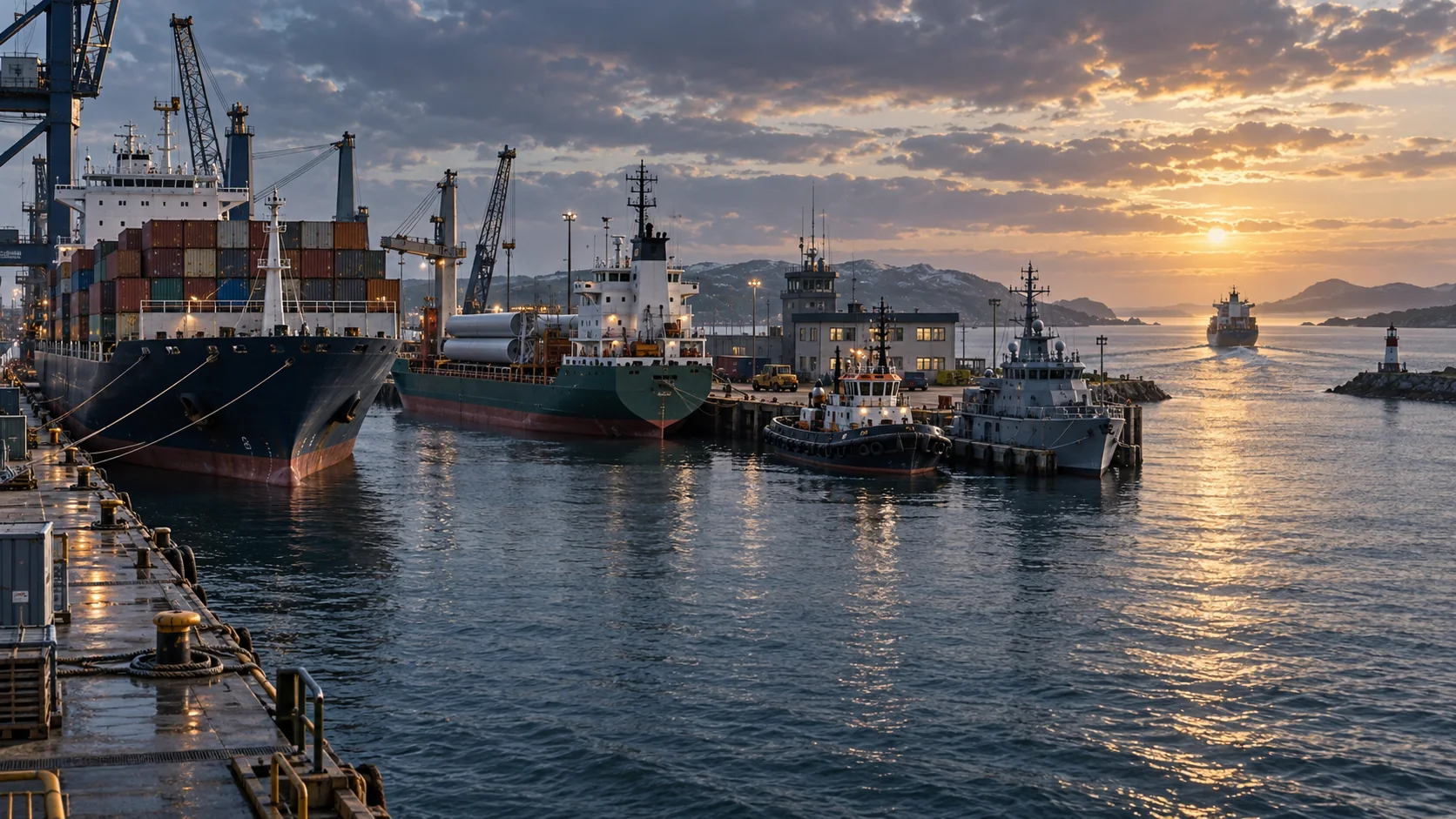
- Look at the route and conditions. Use the sea map and the mission marker to orient yourself. The official feature list describes dynamic weather and ocean currents, so a route that looks simple on the map can still need attention on the water. Keep the objective visible and recheck it after a major course change.
- Use the prompt for the interaction at hand. The game includes cranes, water cannons, drones and rescue equipment, but their use depends on the job and vessel. When the interaction text differs from what you expected, follow the on-screen instruction and do not assume a control from another ship applies here.
- Close out the job. Read the mission result screen and check for completed Work Shifts before leaving the session. Since the August 18, 2026 update, shift pay arrives after each completed shift; claiming manually completed shifts at mission end can add Reputation. Details are in the Free Trade and Work Shifts guide.
While underway: keep the objective in view
Treat the objective list as your source of truth. It helps distinguish travel from task completion: reaching a marked area may be only one part of a rescue, patrol or cargo job. If a mission has multiple stages, let the current stage tell you which tool to prepare next. Avoid operating equipment just because it is nearby; the active prompt and mission objective are better cues.
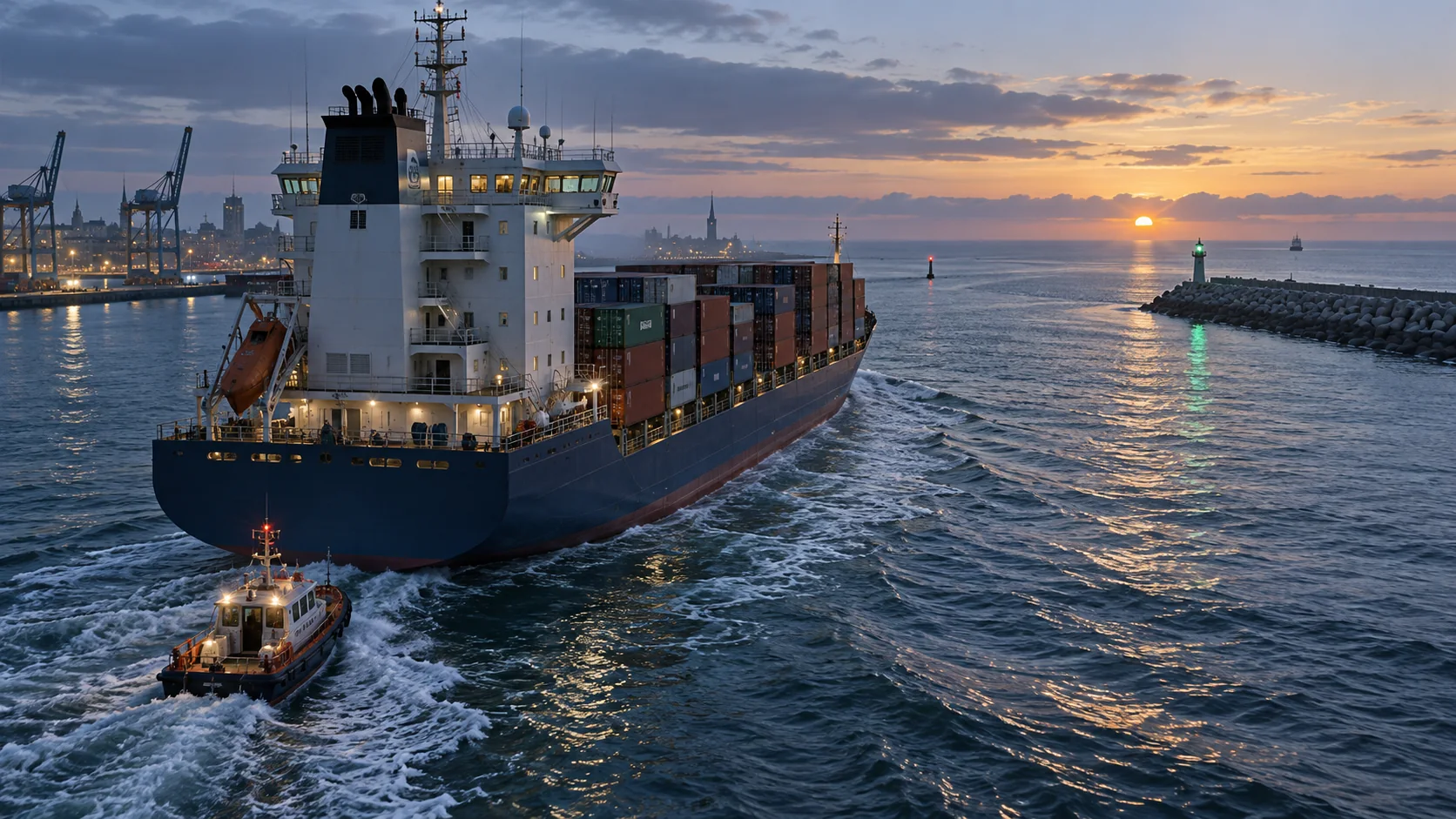
In unfamiliar waters, check the map before committing to a tight harbor approach. Weather and currents are part of the navigation model described by the official game site, but this guide does not prescribe one universal speed or turning angle. Those depend on the ship, conditions and your control setup. If a route is not behaving as expected, reduce the number of things you change at once: inspect the objective, confirm the vessel, then make a small course correction and observe the result.
If you are entering a harbor
The game provides a radio option called Enquire Mooring to request a docking slot from the Harbour Master. This is useful when you are entering a harbor and want to use the game's mooring request flow. If you need to be moved to a parking slot or dragged out of the harbor, the official update history also describes Towing Service options. See Docking and Towing for those services.
Do not rely on a fixed keybind copied from a different platform or patch. Open the radio interaction shown by your current build and use the option that matches the situation. A mooring request and a towing request solve different problems: one requests a berth, while the other asks the service to move your vessel.
Common first-session mistakes
- Assuming every mission uses the same tools. Rescue, cargo, fire and patrol jobs have different objectives. Check the brief before leaving.
- Treating a full cargo capacity as proof a trade should work. The ship's compatible cargo types matter; some goods also require a vessel or trip type called out by the game.
- Skipping result screens. They summarize mission outcomes, and Work Shift pay and Reputation claiming are separate steps.
- Searching for a control name that may have changed. Use the current on-screen prompt, especially if you play on console or after a major update.
- Turning an early mistake into a restart without checking the objective. First confirm whether the task is incomplete, whether another stage is active, or whether a radio service can help with a harbor move.
Keep your first watch adaptable
Use the objective and control prompts shown in your current game. Exact controls can differ by platform or change after an update, so a fixed key list or one route should not replace the instructions on screen.
For the next step, open Career and Reputation if you want to understand unlocks, or Co-op Crew Guide if other players are joining your voyage.
Check for changes
The official update history lists the September 24 full release and subsequent fixes. Follow the prompts in your installed version if they differ from this guide.