Full Release improved docking and late-join synchronization in multiplayer. Steam's September 24 Hotfix #1 also addressed a crash in Parking Spot and corrected Greenstar dock and spawn data for that mission. If you are following a pre-release report of that exact failure, update the game before trying to reproduce it.
Which radio option fits?
| Situation | Confirmed radio option | What the official notes say |
|---|---|---|
| You are entering a harbor and need to request a berth | Enquire Mooring | Request a docking slot from the Harbour Master. |
| You need help moving the vessel to a parking slot | Towing Service | Request to be dragged to the parking slot. |
| You need help getting dragged out of the harbor | Towing Service | The Immersion Update lists a request to get dragged out of the harbor. |
The names above come from the official April 30, 2026 Immersion Update. It does not document exact approach headings, berth angles, engine settings, wait times or service costs. Treat this as a guide to selecting the right game service, not a universal docking maneuver.
Requesting a mooring slot
- Confirm that you are entering a harbor. Enquire Mooring is described as the option for requesting a docking slot when entering one. It is not the same request as towing a vessel already in a difficult position.
- Open the radio interaction available in your build. Use the current prompt or control hint. No fixed keyboard or controller binding is stated in the official update notes used for this guide.
- Choose Enquire Mooring. This sends a request to the Harbour Master for a docking slot. The public notes confirm the purpose of the request but do not promise an automatic approach or a specific berth assignment sequence.
- Follow the game's next instruction. Keep the mission objective and harbor markers in view. The game has dynamic weather and ocean currents, so remain attentive while lining up with the displayed approach and do not treat a calm-weather route as a guaranteed template for every visit.
If the game does not show the mooring option, verify that you are in the harbor-entry context and check the current radio menu. The official notes do not specify every condition that makes the option appear, so do not infer that a missing menu item is necessarily a bug.
When to call Towing Service
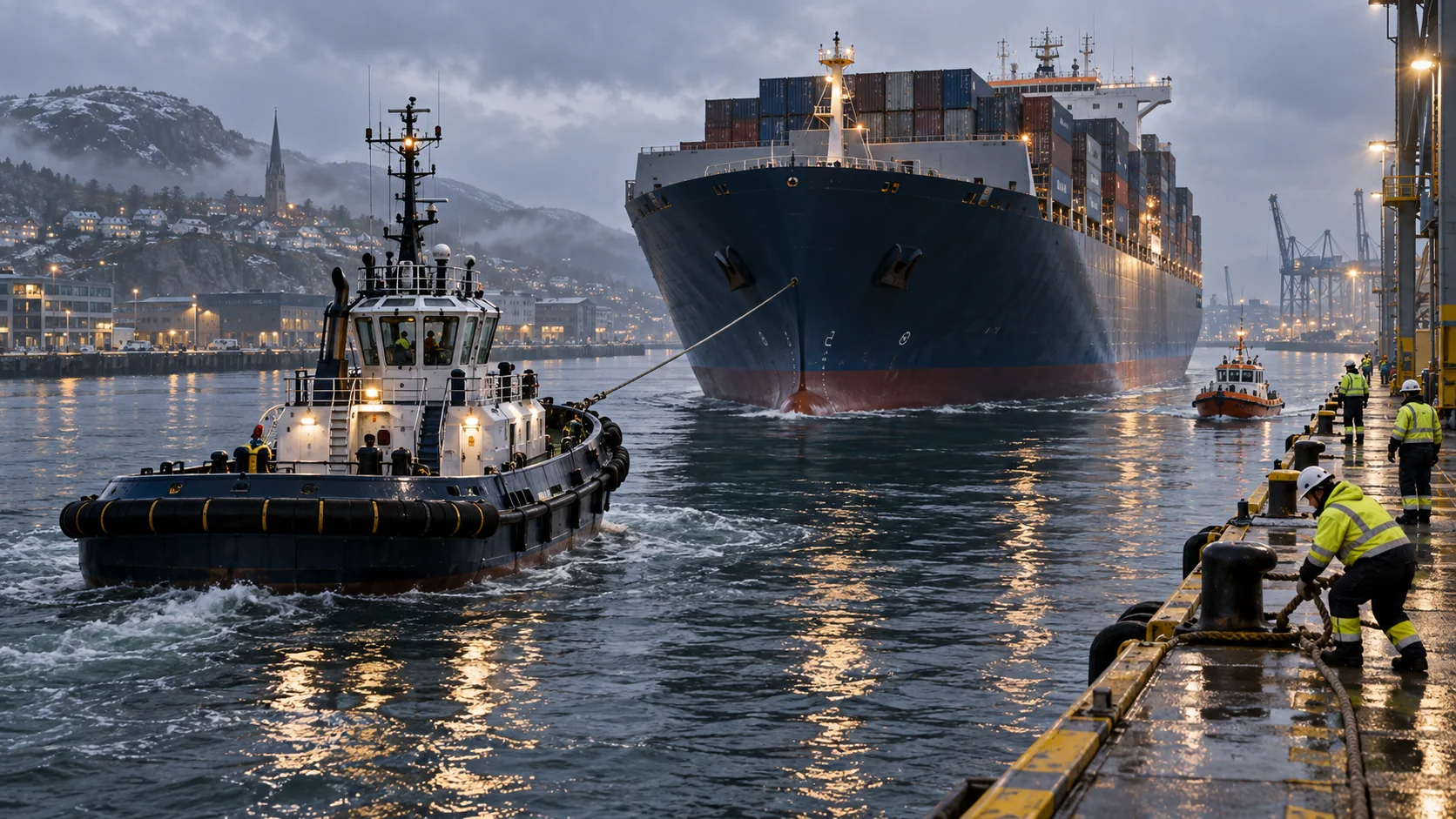
Towing Service is the recovery route described by the official notes when you want to be dragged to a parking slot or out of a harbor. Use the request that matches where you need to go. It is distinct from asking the Harbour Master for a docking slot on entry.
The update history does not state whether towing is free, how long it takes, which vessels qualify or whether it works in every mission state. Review any in-game confirmation before accepting a service. If no towing option appears, check the radio menu, current mission objective and vessel state; the public documentation does not provide a universal hidden key or fallback command.
A towing request is appropriate when the game offers it and you need the named harbor move. It is not confirmed as a solution for every grounding, collision, damaged vessel or mission softlock. Do not promise another player that the service will reset a mission unless your build's prompt explicitly says so.
Harbor approach habits that help
- Check the objective and the map before turning into a narrow approach.
- Use the route or marker your current mission displays; no universal berth heading is published.
- Keep the vessel under control while reading radio prompts, especially when weather or currents affect the approach.
- Separate a berth request from a recovery request: Enquire Mooring asks for a docking slot; Towing Service requests a tow to a parking slot or out of the harbor.
- If the vessel is already in the position you need, do not request a tow simply because it is available. Read the service destination and any confirmation first.
- After the vessel moves, recheck the objective so you know whether the mission has registered the harbor step.
These are cautious operating habits, not claims about hidden physics values. The game page describes accessible handling, dynamic weather and ocean currents but does not publish an optimal speed or turn radius for each vessel. Use small corrections and the on-screen markers rather than copying a numerical maneuver from another ship.
If an approach or service behaves differently
First check whether the mission expects mooring, towing, or another interaction. Next, read the radio option exactly as it appears and note the ship and platform. If the action is missing or does not advance, capture the prompt and current objective text so a report has enough context. The official site confirms that players can report bugs in-game and through the developer's feedback channels.
Parking Spot and co-op after the launch patch
The September 24 Steam Hotfix #1 fixed a Parking Spot crash, added a missing Greenstar dock tag and corrected Greenstar spawn locations for Parking Spot. These are narrow fixes to a named mission and location. They do not mean every harbor marker or every docking problem was fixed. If Parking Spot still fails, check the installed patch, mission name and ship before reporting the exact step that failed. Avoid using a different vessel's berth instructions to compensate for a missing marker.
For a shared voyage, designate one person to watch the current harbor objective while the helm player follows the radio and map prompts. Full Release improved synchronization for docking and players joining late. When a late-joining client sees a different objective or vessel position, have the host and client compare their displayed state before repeating a radio request. The Co-op Crew Guide covers this coordination in more detail.
If the vessel feels hard to hold on approach with a controller, Full Release added separate steering and throttle dead-zone settings. Make one small settings change, retry in a safe approach, and keep the value that suits your controller. The release notes do not prescribe a universal dead zone or maneuvering speed, so avoid copying a number from another ship or device.
Frequently asked questions
Does Enquire Mooring park the ship automatically?
The official update says it requests a docking slot from the Harbour Master. It does not describe an automatic docking maneuver.
Can Towing Service tow me to a parking slot?
That destination is explicitly listed. The update also says players can request to be dragged out of the harbor.
Are there published docking keybinds or approach angles?
Not in the official pages used here. Follow the control hint and markers in your current platform and build.
Check the radio options in your game
Harbor prompts may change after updates. The official update history lists the radio services and full-release docking changes; the Steam Hotfix #1 announcement covers Parking Spot and Greenstar. Follow your current menu if its wording differs from this guide.
Status check before you report a docking bug (October 2026)
Patch 1.1 (October 12) is now the live build, and it changes harbour movement directly: fast travel gets a button inside harbours, and fast travel is disabled within harbour areas, so berth work is done on the water again. The Parking Spot crash, the missing Greenstar dock tag and the Greenstar spawn locations were fixed earlier, in Hotfix #1 (September 24). If a docking step still fails, report the exact step, mission name and vessel on the current build. (Checked October 20, 2026.)